
Easypaisa is one of Pakistan’s largest digital financial platforms, providing millions of users with convenient access to money transfers, bill payments, mobile top-ups, online shopping payments, and various other financial services. Since its launch, the platform has played a major role in promoting digital payments and financial inclusion across the country.
With a user-friendly mobile application and an extensive network of agents, Easypaisa has become a preferred choice for individuals and businesses looking for fast and secure financial transactions. Gameloop.com.pk Pakistan’s No1 Website for your quick earning guides.
The Vast Ecosystem Behind Easypaisa
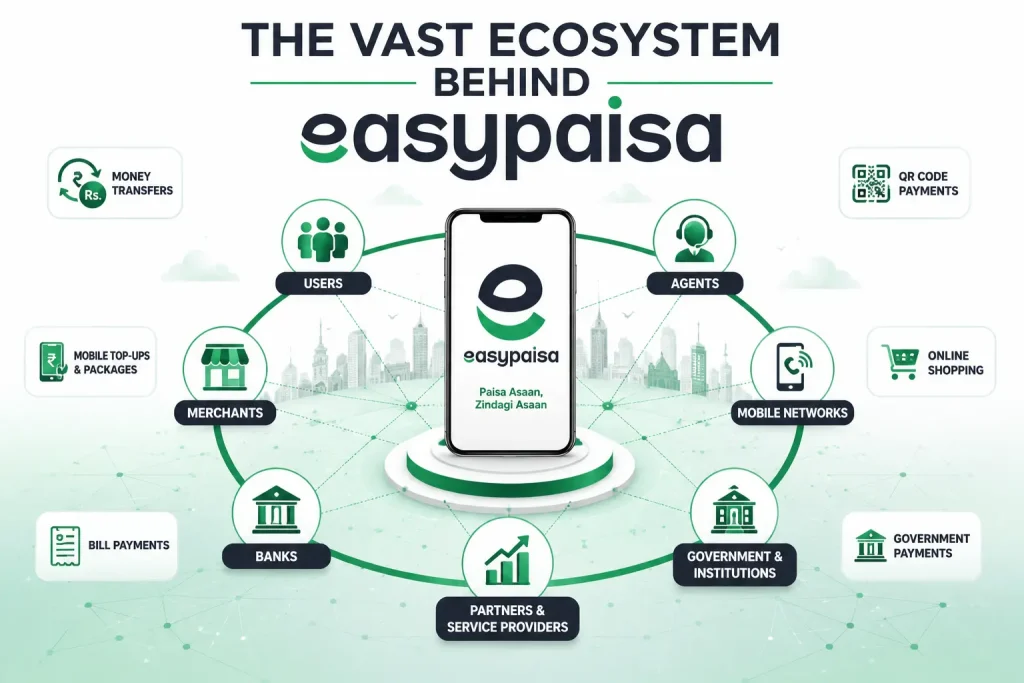
Easypaisa operates on a large-scale Digital infrastructure that processes millions of transactions every day. The platform connects users, merchants, banks, utility providers, and mobile networks through a complex system designed to provide seamless financial services.
The system supports:
- Money transfers between Easypaisa accounts
- Bank transfers
- Utility bill payments
- Mobile balance and package purchases
- QR code payments
- Online shopping transactions
- Government payment services
- Merchant payments
Due to the massive volume of daily transactions, occasional technical issues or server disruptions can impact some services.
Easypaisa Users Reporting Server Issues
Recently, many Easypaisa users have reported difficulties while using the application. According to customer feedback, certain transactions are failing while some services remain partially operational.
One commonly reported issue is that users can receive money into their accounts but are unable to send funds to other Easypaisa accounts or bank accounts.
These problems appear to be related to temporary server disruptions, maintenance activities, or high system traffic.
Common Easypaisa Errors Being Reported
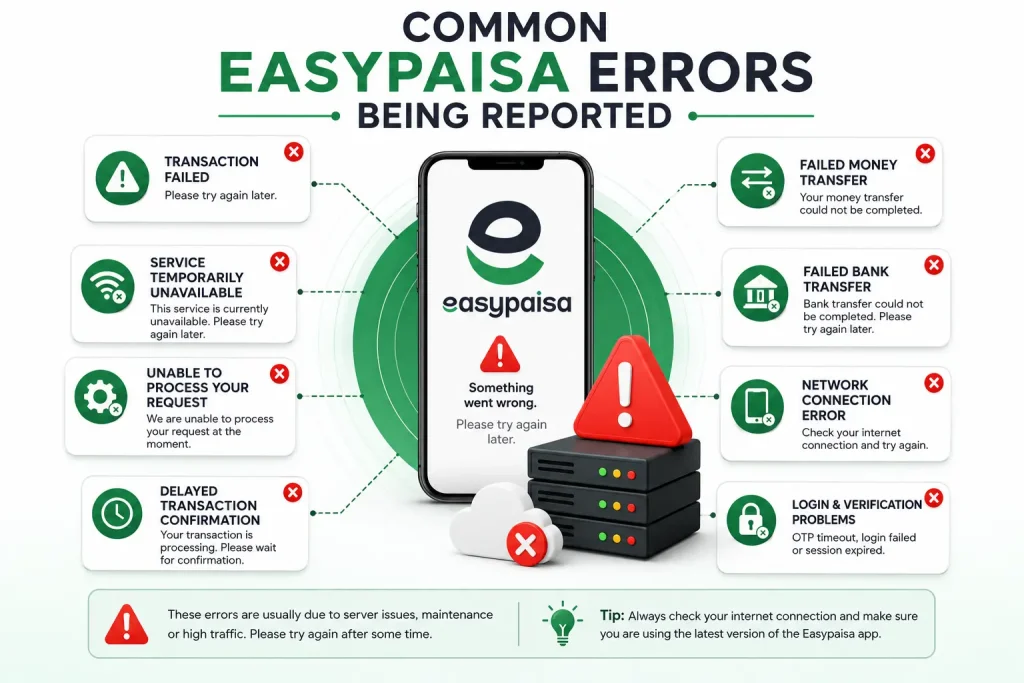
Users have encountered various error messages, including:
Transaction Failed
Many users receive a notification stating:
“Transaction Failed. Please Try Again Later.”
This error often appears when attempting to transfer money or make payments.
Service Temporarily Unavailable
Some users see:
“Service Temporarily Unavailable.”
This usually indicates that a particular service is currently inaccessible due to technical issues.
Unable to Process Request
This error appears when the system cannot complete the requested transaction.
Network Connection Error
In some cases, users receive connection-related errors despite having a stable internet connection.
Payment Processing Failed
Users attempting to pay bills or complete merchant payments may receive payment failure notifications.
Delayed Transaction Confirmation
Certain transactions are processed successfully but confirmation messages arrive much later than usual.
Login and Verification Problems
Some users have reported issues with:
- OTP verification delays
- Login failures
- Session timeout errors
- Biometric verification problems
Why These Easypaisa Errors Occur
Several factors can contribute to these issues:
Server Maintenance
Routine maintenance is necessary to improve security and performance. During maintenance periods, some services may become temporarily unavailable.
High User Traffic
Heavy transaction volumes can place additional pressure on the platform’s infrastructure, leading to delays and temporary service interruptions.
Technical Glitches
Unexpected software or server-related issues can affect transaction processing.
Network Connectivity Problems
Poor internet connectivity may interfere with communication between the application and Easypaisa servers.
Solutions for Common Easypaisa Issues
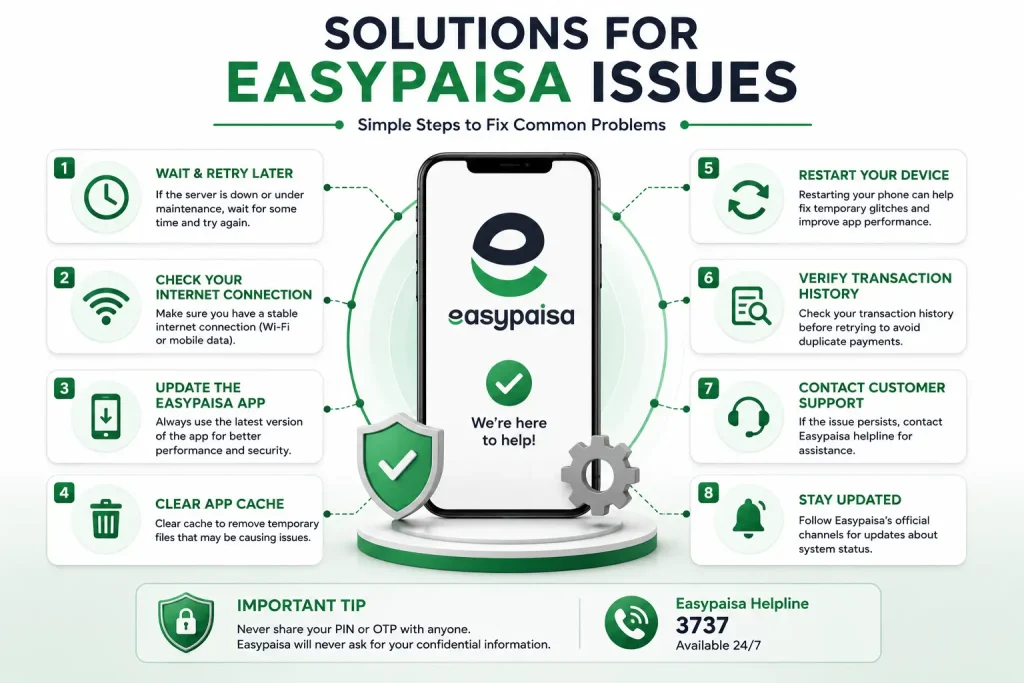
If you are facing errors while using Easypaisa, consider trying the following solutions:
Wait and Retry Later
If the issue is related to server downtime, waiting for some time and retrying the transaction may resolve the problem.
Check Your Internet Connection
Ensure that you have a stable mobile data or Wi-Fi connection before attempting any transaction.
Update the Easypaisa App
Using the latest version of the application can help prevent compatibility and performance issues.
Clear Application Cache
Clearing the app cache may resolve temporary glitches affecting functionality.
Restart Your Device
A simple device restart can sometimes fix application-related issues.
Verify Transaction History
Before retrying a failed transaction, check your transaction history to confirm whether the payment has already been processed.
Contact Customer Support
If the issue persists for an extended period, contact Easypaisa customer support for assistance.
Tips for New Easypaisa Users
If you are new to Easypaisa, following these best practices can help ensure a smooth experience:
Keep Your Account Verified
Complete all verification requirements to access the full range of available services.
Use Strong Security Measures
Enable security features such as PIN protection and avoid sharing verification codes with anyone.
Double-Check Recipient Information
Always verify account numbers and recipient details before sending money.
Monitor Transaction History
Regularly review your account activity to keep track of payments and transfers.
Keep the App Updated
Installing updates ensures access to the latest security improvements and features.
Avoid Multiple Retry Attempts
If the platform is experiencing issues, repeatedly submitting the same transaction may create confusion regarding payment status.
Use Secure Internet Connections
Avoid performing financial transactions on unsecured public networks whenever possible.
Final Thoughts
Easypaisa remains one of Pakistan’s most widely used digital payment platforms. While occasional server disruptions and technical issues can affect certain services, these problems are usually temporary and are often resolved once system performance returns to normal.
Users experiencing transaction failures, delayed payments, or login issues should follow basic troubleshooting steps and monitor official updates regarding service restoration. By using the platform carefully and following recommended security practices, both new and existing users can continue to benefit from Easypaisa’s wide range of financial services.